Monitor Price in Nepal - IPS, 4K, 100% sRGB
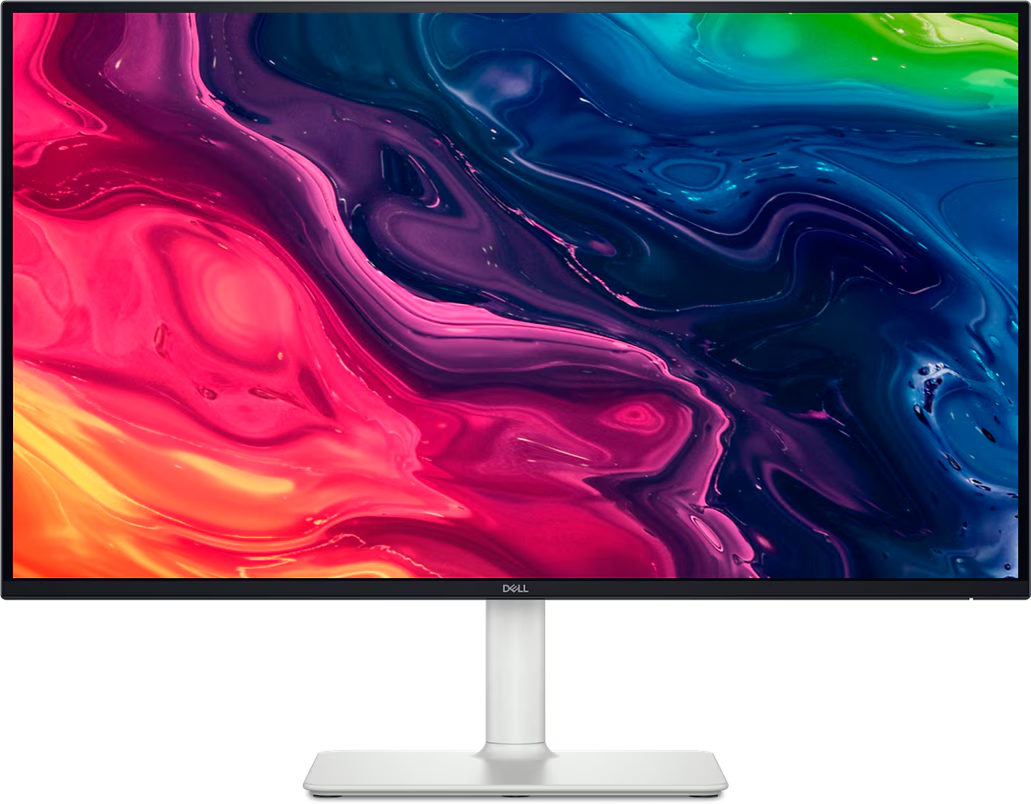
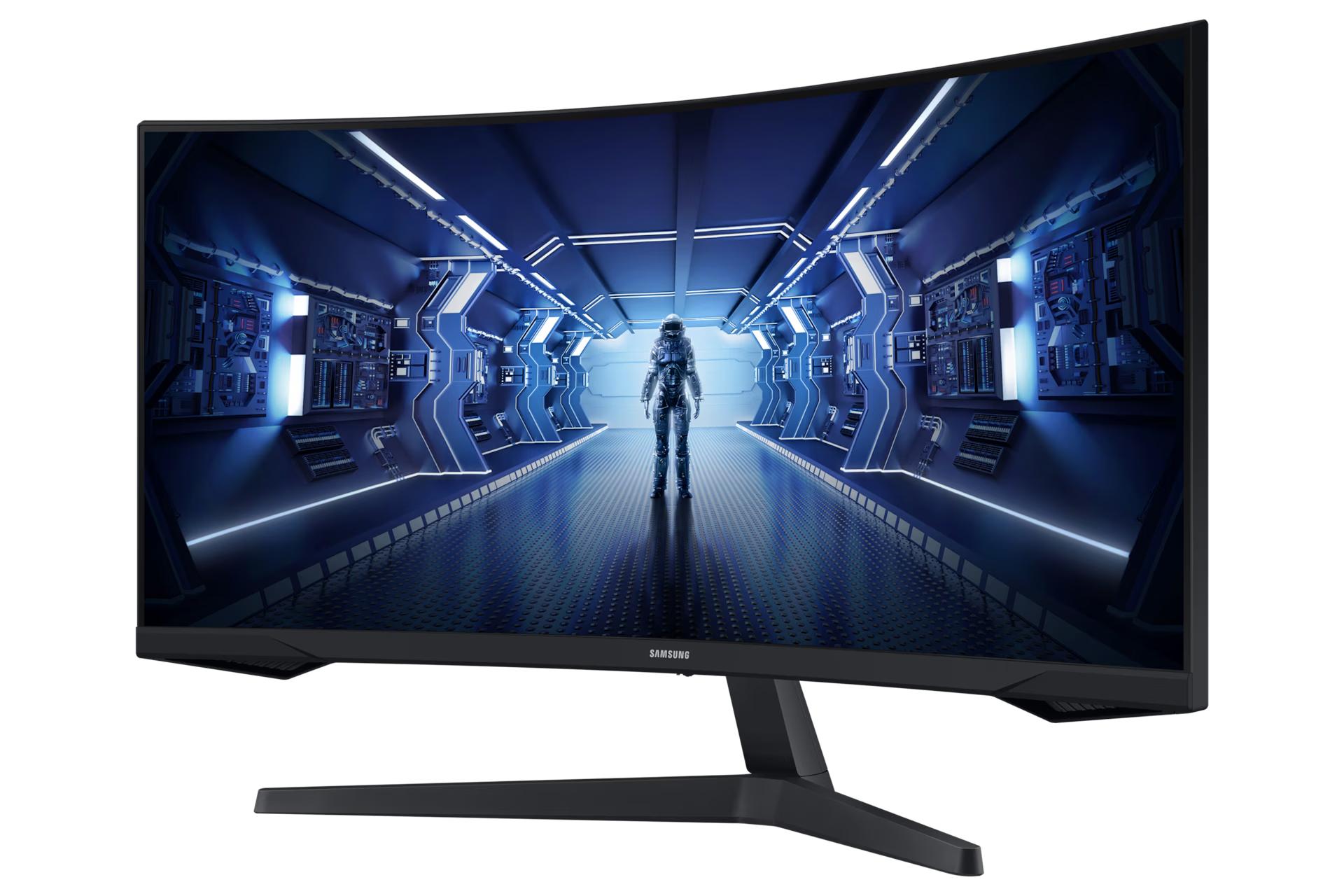
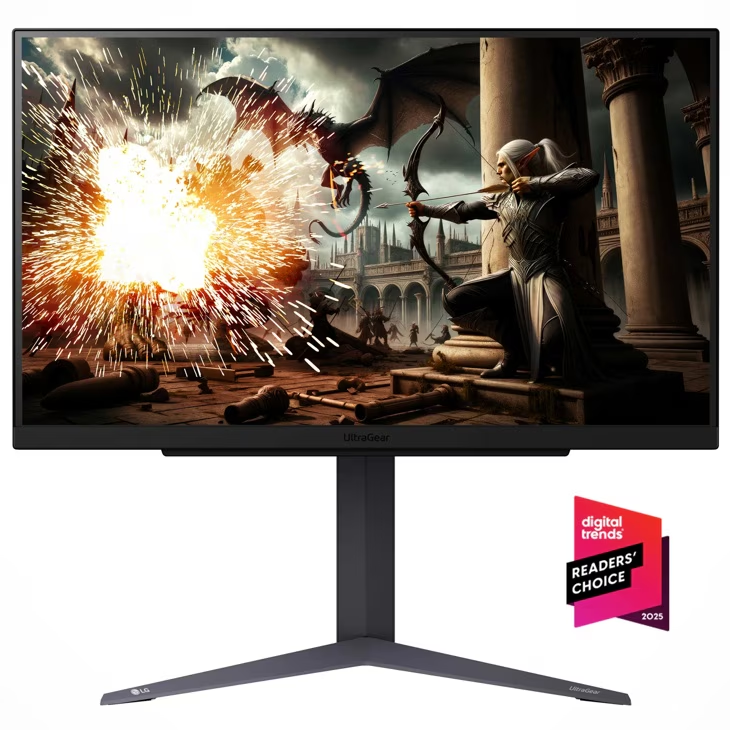
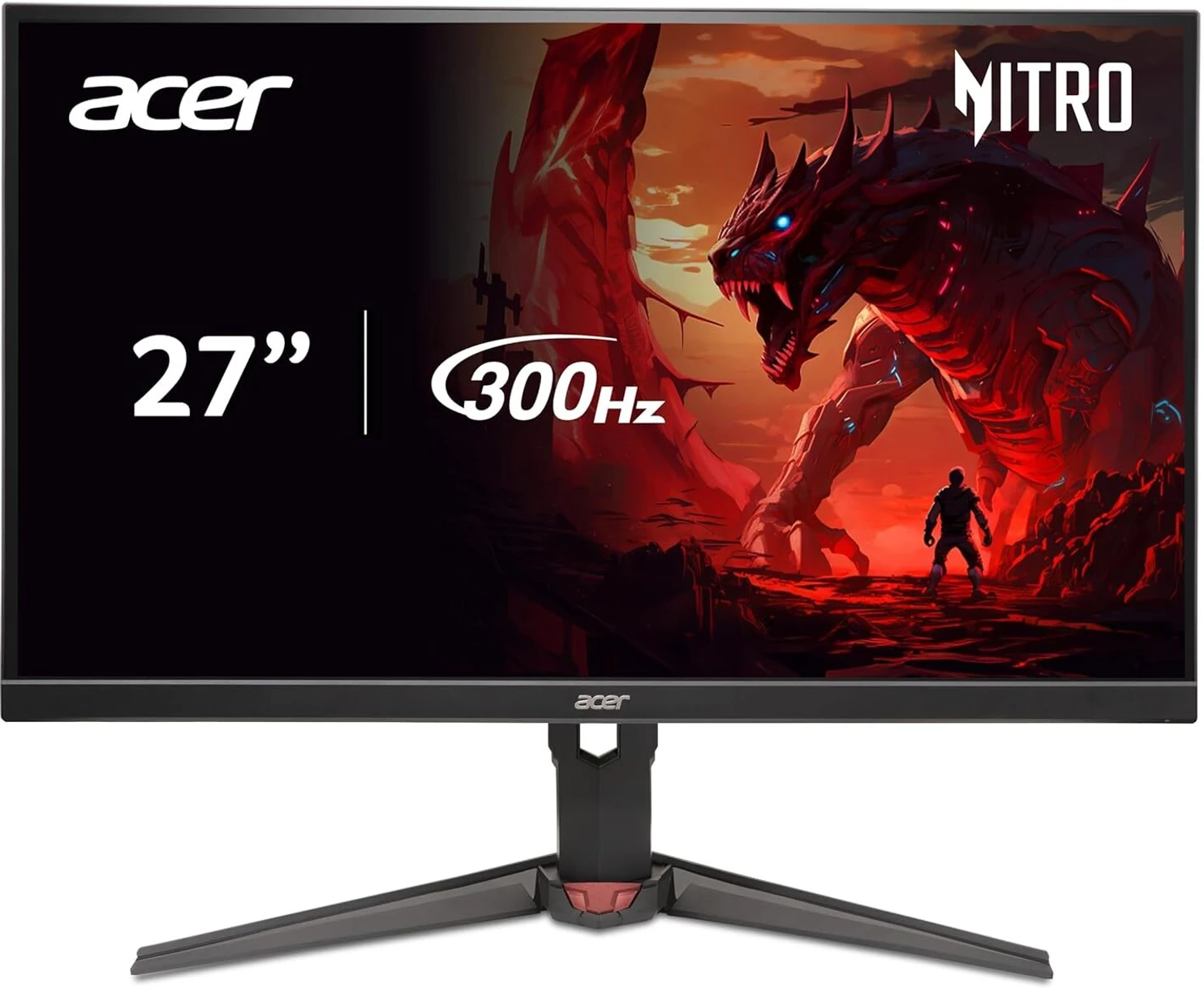
A graphic designer in Nepal buys a NPR 18,000 Samsung 24" curved VA gaming monitor for Photoshop work. Colors look punchy on-screen but print completely differently — VA panels have poor color accuracy (Delta E >3) and cover only 72% NTSC, not the 99% sRGB his print work needs. Meanwhile, a gamer buys a NPR 22,000 Dell 27" 60Hz IPS for Valorant and can't understand why his crosshair trails behind his mouse. Both spent well. Both bought wrong.Monitor price in Nepal spans NPR 12,000 to NPR 3,00,000+. The right monitor depends on three factors: what you DO (office/gaming/design), what GPU you HAVE, and what panel technology MATCHES your work.Panel Technology Comparison — IPS vs VA vs TN vs OLED vs Mini LEDFeatureIPSVATNOLEDMini LEDColor Accuracy★★★★★ Best★★★ Good (oversaturated)★★ Poor (color shift)★★★★★ Perfect★★★★★ ExcellentContrast Ratio1000:13000-4000:1 (best LCD)800:1 (worst)∞:1 (true black)3000-5000:1Viewing Angles178° (wide)160-170° (narrow vertical)150-160° (narrowest)178° (wide)178° (wide)Response Time4-5ms GtG4-8ms GtG (dark scene smearing)1ms GtG (fastest LCD)0.1ms (fastest overall)3-5msRefresh Rate Range (Nepal)60-360Hz75-240Hz144-360Hz120-240Hz144-240HzBest ForDesign, office, all-roundMovies, dark rooms, budget gamingLegacy competitive esportsPremium gaming, HDR contentPremium gaming + HDRGhosting/SmearingLowModerate (dark scenes)NoneNoneLowBurn-in RiskNoneNoneNoneYes (static elements)NoneNepal Price Range (27")NPR 18,000-80,000NPR 15,000-50,000NPR 12,000-25,000 (rare)NPR 60,000-2,50,000NPR 50,000-1,50,000For Nepal buyers: IPS is the default recommendation — best all-round panel for office, design, and gaming. VA suits movie watchers on a budget. TN is dead — avoid. OLED for premium gaming/creation. Mini LED for HDR content plus gaming.Resolution × Refresh Rate × GPU CompatibilityResolutionPixel CountGPU Needed (60fps)GPU Needed (144fps)Best Screen SizeNepal Monitor PriceFHD (1920×1080)2.1MIntel Iris Xe / Any GPURTX 3050+22-24" ideal, 27" OKNPR 12,000-40,000QHD (2560×1440)3.7MRTX 3050 / GTX 1660+RTX 4060+27" ideal, 32" OKNPR 25,000-80,0004K UHD (3840×2160)8.3MRTX 4060 / M2+ MacRTX 4070+ (demanding)27-32" (PPI needs size)NPR 40,000-2,00,000+Ultrawide WQHD (3440×1440)4.9MRTX 4050+RTX 4070+34" standardNPR 45,000-1,20,000Common Nepal MistakesBuying 4K 27" for Intel integrated GPU → laggy, stuttery, unusable at native resolutionBuying FHD 32" → visible pixels at normal viewing distance (PPI too low)Buying 240Hz monitor with RTX 3050 → GPU can't push 240fps in modern games; you'll see 80-120fps, wasting the panel's capabilityBuying QHD monitor for a laptop without QHD output → defaults to scaled FHD, looks worse than a native FHD monitorRULE: Match your GPU to your monitor resolution. A NPR 40,000 4K monitor on a NPR 60,000 laptop with Intel Iris Xe is a NPR 40,000 slideshow.Master Price Table — All Monitor Brands in NepalOffice / General Use MonitorsBrandModelSizePanelResolution/HzPrice (NPR)LG22MK430H22"IPSFHD 75Hz14,500LG24MK430H24"IPSFHD 75Hz17,000SamsungLS22C31022"IPSFHD 75Hz13,500SamsungLS24C36024"IPSFHD 75Hz16,000DellSE2422H24"VAFHD 75Hz16,000DellS2421HN24"IPSFHD 75Hz18,000ASUSVA24EHE24"IPSFHD 75Hz (Eye Care)16,500AcerSB220Q22"IPSFHD12,500HPM24f24"IPSFHD 75Hz17,500BenQGW248024"IPSFHD (Eye Care)20,000Gaming MonitorsBrandModelSizePanelResolution/HzPrice (NPR)AcerNitro VG240Y24"IPSFHD 165Hz18,000-22,000ASUSVG249Q1A24"IPSFHD 165Hz25,000-28,000LG24GN60R UltraGear24"IPSFHD 144Hz22,000MSIG241224"IPSFHD 170Hz22,000SamsungOdyssey G527"VAQHD 165Hz curved35,000ASUSTUF VG27AQ1A27"IPSQHD 170Hz40,000LG27GP850-B UltraGear27"Nano IPSQHD 165Hz50,000DellS2722DGM27"VAQHD 165Hz curved35,000ASUSROG Swift PG279QM27"IPSQHD 240Hz75,000SamsungOdyssey G727"VAQHD 240Hz65,000LG27GR93U27"IPS4K 144Hz65,000-80,000Content Creation / Design MonitorsBrandModelSizeColor GamutPrice (NPR)ASUSProArt PA278QV27"100% sRGB, ΔE<242,000DellUltraSharp U2722D27"100% sRGB, ΔE<250,000DellUltraSharp U2723QE27" 4K98% DCI-P3, USB-C70,000LG27UK85027" 4KHDR10, USB-C55,000BenQPD2705Q27"100% sRGB, Mac-ready55,000ASUSProArt PA329CV32" 4K100% sRGB, USB-C65,000SamsungViewFinity S827" 4K98% DCI-P3, USB-C60,000AppleStudio Display27" 5K600 nits, P32,59,000ApplePro Display XDR32" 6K1600 nits7,99,000+Ultrawide MonitorsBrandModelSizeResolution/HzPrice (NPR)LG34WN80C-B34"WQHD, USB-C65,000SamsungOdyssey G5 34"34"WQHD 165Hz55,000DellS3422DWG34"WQHD 144Hz55,000ASUSROG Strix XG349C34"WQHD 180Hz85,000Best Monitor by Use CaseBest Office Monitors (NPR 12,000-25,000)1. LG 24MK430H 24" IPS 75Hz — NPR 17,000Basic tilt stand, HDMI + VGA ports, decent color for daily useVerdict: Best overall office pick. Weakness: no height adjust.2. Acer SB220Q 22" IPS — NPR 12,500Compact, thin bezel, HDMI/VGAVerdict: Cheapest decent IPS in Nepal. Weakness: small screen for spreadsheets.3. BenQ GW2480 24" IPS Eye Care — NPR 20,000Flicker-free, low blue light, adjustable standVerdict: Best eye comfort for 8+ hour workdays. Weakness: premium pricing for office tier.Best Gaming Monitors (NPR 18,000-80,000)1. Acer Nitro VG240Y 24" IPS FHD 165Hz — NPR 20,000Best budget gaming pick — smooth motion at entry price.2. ASUS TUF VG27AQ1A 27" IPS QHD 170Hz — NPR 40,000Best mid-range gaming — sharper resolution with high refresh.3. LG 27GR93U 27" IPS 4K 144Hz — NPR 75,000Best 4K gaming — needs RTX 4070+ to fully utilize.Match your GPU to your monitor: RTX 3050 → FHD 144Hz. RTX 4060 → QHD 165Hz. RTX 4070+ → 4K 144Hz.Best Creator/Design Monitors (NPR 40,000-2,60,000)1. ASUS ProArt PA278QV 27" QHD 100% sRGB — NPR 42,000Best value creator monitor — factory calibrated, ΔE<2.2. Dell UltraSharp U2723QE 27" 4K USB-C 98% DCI-P3 — NPR 70,000Best for serious design and video work.3. Apple Studio Display 27" 5K P3 — NPR 2,59,000Best for Mac ecosystem integration.For print design: 100% sRGB minimum. For video/film: DCI-P3 ≥95%. For web design: sRGB is sufficient.Best Budget Monitors Under NPR 15,000Acer SB220Q — NPR 12,500Samsung LS22C310 — NPR 13,500At this price: 22" FHD IPS 60-75Hz. Adequate for office, email, browsing. Not for gaming or color work.Refresh Rate × Use Case GuideRefresh RateWhat You SeeBest ForOverkill ForPrice Impact60HzStandard smoothOffice, email, basic video—Cheapest baseline75HzSlightly smootherOffice + light gaming—+NPR 0-2,000144HzNoticeably smootherCasual-competitive (PUBG, Valorant)Excel, Word, email+NPR 5,000-10,000165HzSweet spot gamingCompetitive gaming, content timelinesOffice-only use+NPR 5,000-12,000240HzUltra-smoothCompetitive esports (CS2 ranked)Casual gaming, non-gaming+NPR 15,000-30,000360HzMaximum motion clarityProfessional esports onlyEveryone else+NPR 30,000+For Nepal: 75Hz for office. 144-165Hz for gaming. 240Hz+ only if you play competitive esports at ranked/tournament level. Paying NPR 15,000+ for 240Hz to play casual PUBG is wasted money.Color Accuracy Guide for Nepal's DesignersColor GamutWhat It CoversWho Needs ItNepal Examples72% NTSC (100% sRGB)Standard web colorsWeb designers, general officeMost office IPS monitors99-100% sRGBFull standard color spacePrint designers, photographersASUS ProArt PA278QV, Dell U2722D95-100% DCI-P3Wide cinema color spaceVideo editors, coloristsDell U2723QE, Samsung ViewFinity S8, Apple Studio Display99% Adobe RGBWidest print color spaceProfessional print/packagingBenQ SW series, ASUS ProArt premiumDelta E < 2Imperceptible color errorAny color-critical workProArt, UltraSharp, BenQ PDDelta E > 3Visible color errorNOT for color workMost VA panels, gaming monitorsThe Nepal Designer RealityDesign for SCREEN (web, social, UI): 99% sRGB sufficient — NPR 42,000-50,000 (ProArt/UltraSharp)Design for PRINT (brochure, packaging, magazine): Adobe RGB needed — NPR 70,000+Edit VIDEO (YouTube, corporate, film): DCI-P3 needed — NPR 60,000-70,000Student learning design: standard IPS with 95%+ sRGB is fine — NPR 18,000-25,000A gaming monitor with "great colors" (high-saturation VA panel) is the opposite of accurate colors. If your client's brand blue prints as purple, your monitor is lying to you.Curved vs Flat — Honest ComparisonFeatureFlatCurved (1500R-1800R)Text claritySharp edge-to-edgeSlight distortion at edges (VA)Color accuracyIPS flat = most accurateCurved + VA = oversaturatedImmersion (gaming)StandardMore immersive at 27"+Desk spaceStandardSame or slightly more depthMulti-monitor alignmentEasy side-by-sideGaps and misalignmentDesign/photo work✅ Preferred❌ Avoid (geometry distortion)Movie/entertainmentGoodBetter (theater-like at 32"+)Price premiumBaseline+NPR 3,000-10,000Curved monitors are great for immersive gaming and movies at 27"+. They are bad for design, photo editing, and multi-monitor setups. If you do any color-critical work: buy flat IPS.Monitor for Laptop Users — USB-C & ThunderboltUSB-C monitors: single cable for video + power delivery — eliminates cable clutterThunderbolt 4: daisy-chain 2 monitors from 1 laptop portPower Delivery: 65W PD charges most ultrabooks; 90W+ for larger laptopsKVM Switch: built-in switch between 2 computers sharing 1 monitorBest USB-C Monitors in NepalModelSpecsPrice (NPR)Dell U2723QE27" 4K, 90W PD70,000LG 27UK85027" 4K USB-C55,000BenQ PD2705Q27" QHD, 65W PD, Mac-ready55,000ASUS ProArt PA329CV32" 4K USB-C65,000Samsung ViewFinity S827" 4K USB-C60,000Apple Studio Display5K Thunderbolt, 96W2,59,000For MacBook users: Dell UltraSharp or BenQ PD are both "Mac-ready" with calibrated P3 color and USB-C PD. Apple Studio Display is best, but at NPR 2,59,000, the Dell at NPR 70,000 covers 90% of the same quality.Gaming Monitor Buying Mistakes — Nepal EditionMistake 1: Buying 240Hz with RTX 3050RTX 3050 pushes 80-120fps in PUBG at 1080p. You'll never see 240fps. A 165Hz monitor at NPR 8,000 less does the same job.Mistake 2: Buying 4K Gaming Monitor Without Proper GPU4K 144Hz requires RTX 4070+ for modern games. RTX 4060 manages only 4K 60fps in most titles — buy QHD 165Hz instead.Mistake 3: Buying VA Panel for Competitive FPSVA has slower pixel transitions in dark scenes → ghosting/smearing. For Valorant/CS2 competitive: IPS or TN (budget option).Mistake 4: Ignoring FreeSync/G-Sync CompatibilityWithout adaptive sync: screen tearing at mismatched fps/Hz. AMD → FreeSync, NVIDIA → G-Sync Compatible. Most modern monitors support both.Mistake 5: Buying Gaming Monitor for OfficeA NPR 25,000 gaming monitor has worse color accuracy AND worse ergonomics (no height/pivot adjust) than a NPR 20,000 office IPS. You pay for refresh rate you don't use and lose features you need.Nepal Voltage + UPS GuideNepal grid voltage: nominally 230V but fluctuates 180-260V in practice (worse outside Kathmandu Valley)Voltage drops cause: screen flickering, dimming, component stress, reduced lifespan, unsaved data lossVoltage spikes: can damage power supply, capacitorsUPS recommendation: 600VA-1000VA for single monitor + laptop (NPR 3,000-8,000)Surge protector: minimum protection if UPS not affordable (NPR 800-2,000)For design monitors (NPR 50,000+): UPS is non-negotiableA NPR 5,000 UPS protects a NPR 50,000 monitor. Without it, you're gambling NPR 50,000 on Nepal's grid.Dual Monitor Setup GuideGrowing among Nepal's developers, traders, and content creatorsGPU requirement: most modern GPUs support 2+ displays (check HDMI + DP ports)Matching: same size and resolution ideal (avoids mouse-jump between different PPI)Monitor arm: frees desk space (NPR 3,000-8,000 for dual arm)Budget dual setup: 2× LG 24MK430H (NPR 34,000 total) — excellent productivity.Premium dual: 2× Dell U2722D (NPR 1,00,000 total) — calibrated, USB-C daisy chain.Mixed setup: main 27" QHD/4K + secondary 24" FHD (portrait for code/chat) — common developer setup.Monitor Stand + Arm RecommendationsMost budget monitors include tilt-only stands with no height adjustment. Ergonomic requirement: top of screen at eye level, 50-70cm distance.TypePrice (NPR)Best ForBasic desktop riser500-1,500Raising height onlySingle monitor arm2,000-6,000Full adjustability, 1 monitorDual monitor arm3,000-10,0002 monitors, desk clampLaptop + monitor arm3,500-8,000Laptop stand + monitorCheck VESA compatibility before buying — most 24-27" monitors use 100×100mm VESA. Some ultra-budget monitors have no VESA mount.Authorized Distributor DirectoryBrandDistributorMonitor LinesServiceASUSNagmani Pvt. LtdProArt, TUF Gaming, ROG, Eye CareNagmani service centersLGCG ElectronicsUltraGear, UltraWide, UltraFine, OfficeCG network (widest)SamsungHim Electronics / GolchhaOdyssey, ViewFinity, Smart, StandardSamsung PlazaDellSyakar TradingUltraSharp, S-series, GamingSyakar serviceAcerIMSNitro, SB, CB, PredatorIMS serviceMSIParamark GroupMAG, MPG, MEG, ModernParamarkHPCG ElectronicsM-series, X-series, Z-seriesCG networkBenQLimited authorizedZOWIE, PD, GW, EWLimitedAppleOliz Store / EvoStoreStudio Display, Pro Display XDROlizAnnual Electricity CostMonitor TypeWattageMonthly UnitsMonthly NEA Cost (NPR)Annual (NPR)22" FHD LED18-25W5-6 kWh50-60600-72024" FHD IPS22-30W5-7 kWh50-70600-84027" QHD IPS30-45W7-11 kWh70-110840-1,32027" 4K IPS35-55W8-13 kWh80-130960-1,56034" Ultrawide45-70W11-17 kWh110-1701,320-2,04032" 4K OLED50-80W12-19 kWh120-1901,440-2,280A monitor adds NPR 50-190/month to your NEA bill — minimal compared to AC or water heater. Monitor energy cost is not a major buying factor.Brand-Wise Decision FrameworkLG → Best all-round brand: widest office range (cheapest decent IPS), UltraGear gaming excellent, UltraWide productive, widest service via CG ElectronicsASUS → Best gaming + creator brand: TUF Gaming value leader, ROG premium gaming, ProArt is THE creator monitor lineSamsung → Best curved gaming (Odyssey), ViewFinity for creation, Smart Monitor standalone, widest Samsung Plaza serviceDell → Best for professional/corporate: UltraSharp is gold standard for design, best USB-C connectivity, premium pricingAcer → Best budget gaming: Nitro VG240Y cheapest 165Hz in Nepal, SB/CB for officeMSI → Gaming specialist: MAG budget, MPG mid, MEG premium, limited office rangeBenQ → Niche specialist: ZOWIE for esports, PD for designers, GW for eye-care office, limited Nepal availabilityApple → Ecosystem-only: Studio Display for Mac users, Pro Display XDR for professionals, 3x price of equivalent specsEssential Accessories BudgetAccessoryWhyNPRUPS (600-1000VA)Nepal voltage protection3,000-8,000Surge protectorMinimum power protection800-2,000Monitor arm (single)Ergonomic, desk space2,000-6,000HDMI 2.0/2.1 cable4K 60Hz/120Hz support500-1,500DisplayPort 1.4 cable4K 144Hz (HDMI 2.0 can't do this)500-1,200USB-C to DP/HDMI adapterLaptop to monitor connection500-2,000Screen cleaning kitKathmandu dust maintenance200-500ESSENTIAL MINIMUMUPS + cableNPR 3,500-9,500ConclusionMonitor price in Nepal ranges from NPR 12,000 (22" FHD IPS) to NPR 3,00,000+ (Apple Pro Display XDR). Buy IPS for office (NPR 14,000-20,000). Buy 165Hz IPS for gaming (NPR 20,000-40,000). Buy ProArt/UltraSharp for design (NPR 42,000-70,000). Always match resolution to your GPU. Always use a UPS in Nepal. Prices updated monthly — bookmark this page.
Monitors & Display
Top picks and best deals in Monitors & Display